



























Buying guide
Electric scooter with app – battery, riding modes and lock on your phone
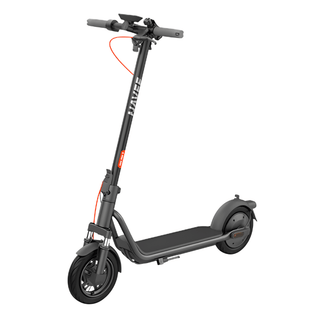
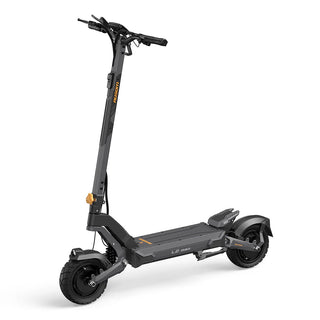
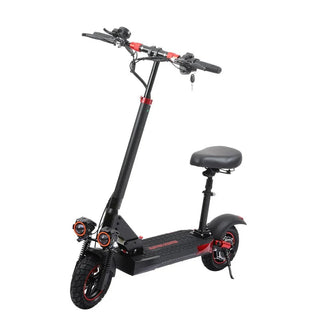
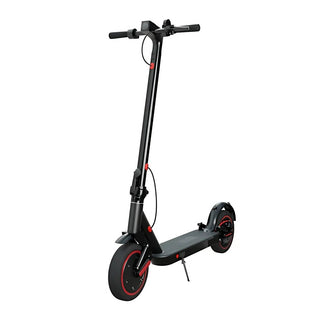
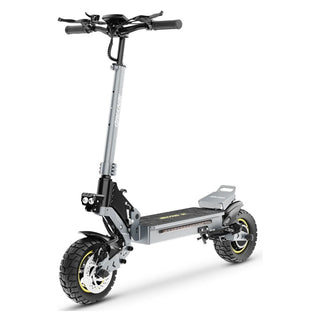
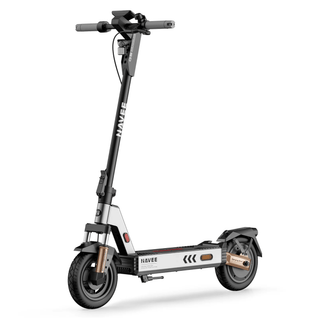
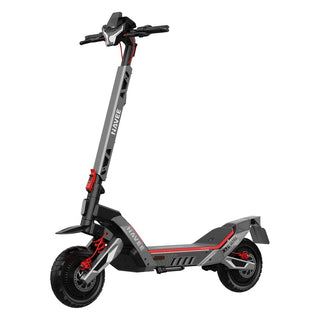
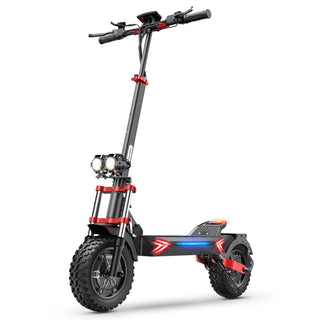
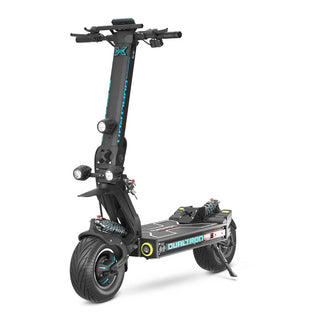
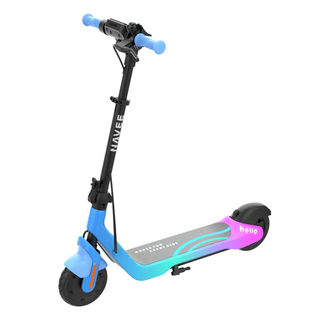
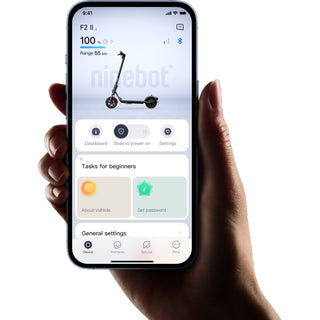
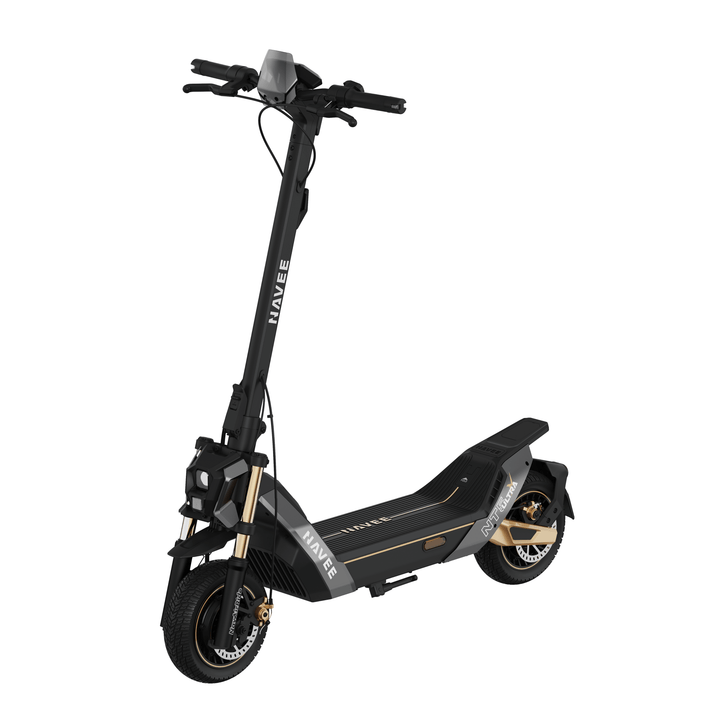
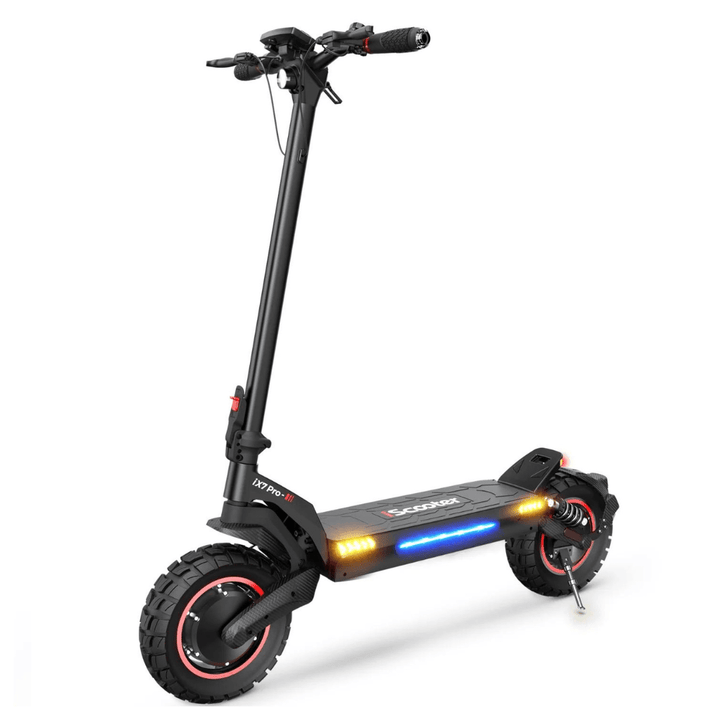
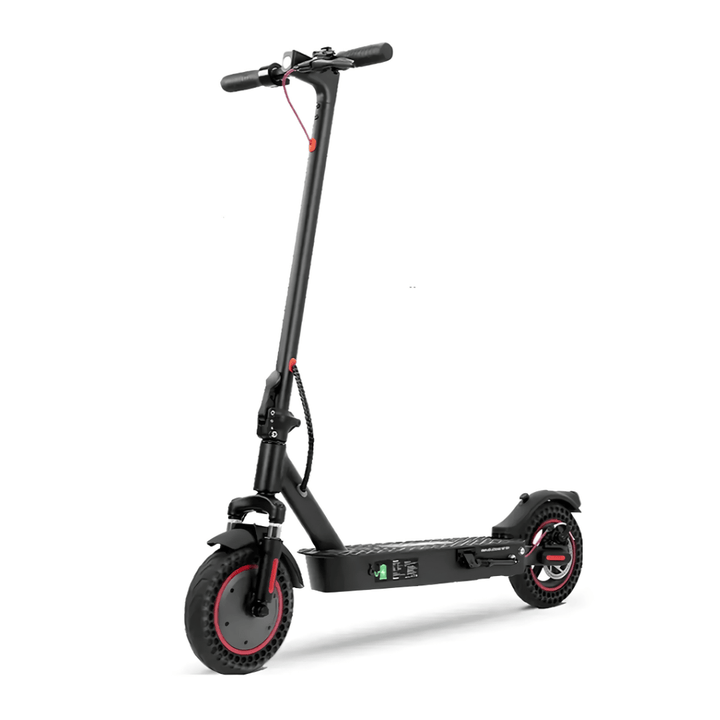
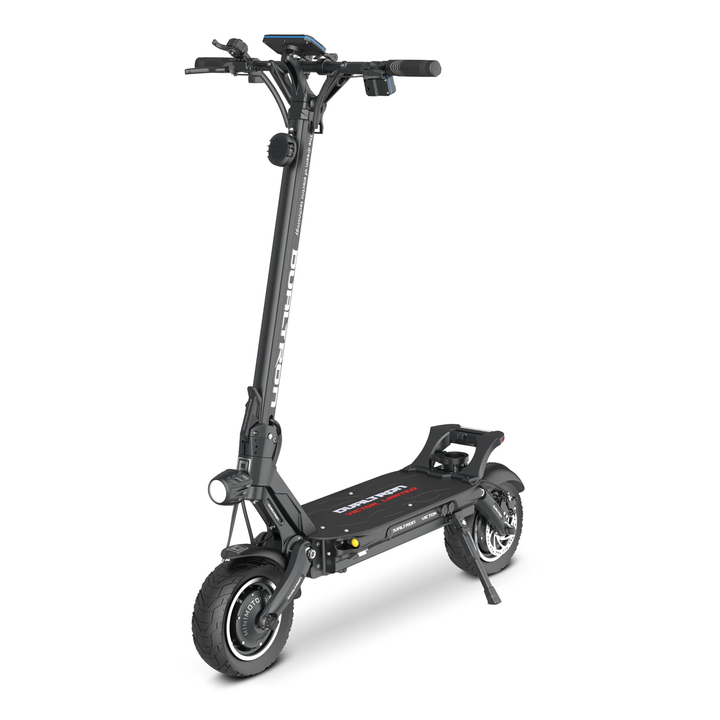
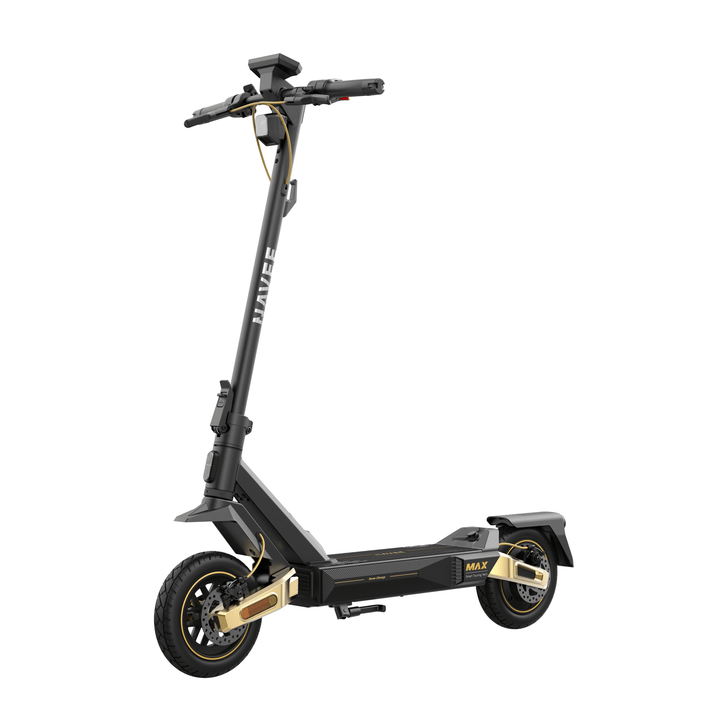
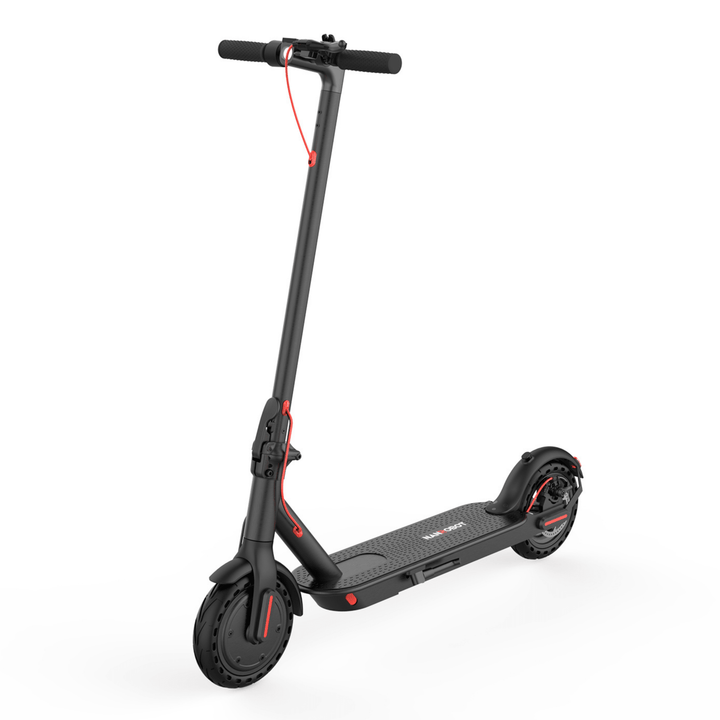
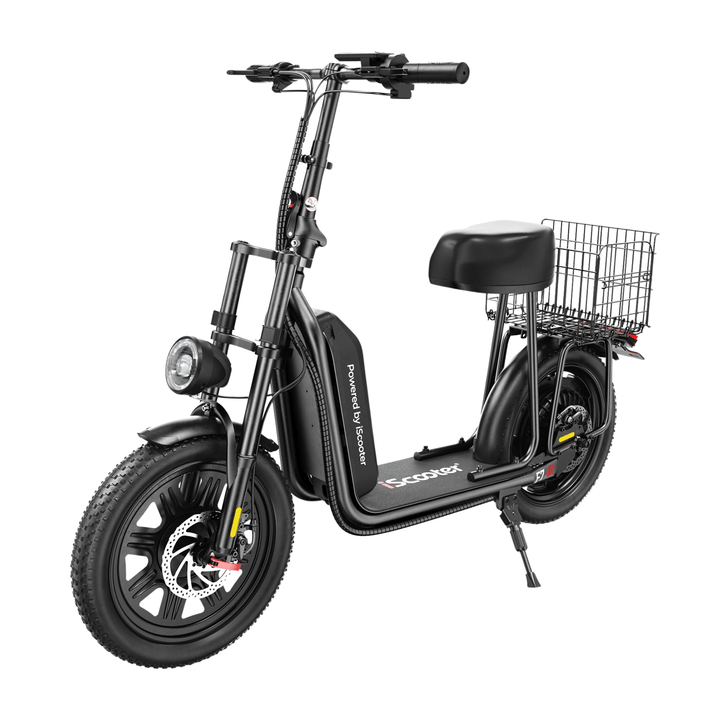
An electric scooter with app connects the vehicle to your phone, often via Bluetooth. Depending on the model you can check the battery level and ride statistics, switch riding modes, control the lights, lock the scooter or install software updates. Here you'll find models from NAVEE, Ninebot, iScooter, Teverun, Dualtron, BOYUEDA and more – from light commuter scooters to powerful dual-motor machines. Every electric scooter comes with free delivery, a 2-year warranty and 14-day returns.
In short
- An electric scooter with app connects to a compatible mobile app for vehicle information or settings.
- A Bluetooth speaker, NFC card or standalone mapping app does not by itself mean the scooter supports an app.
- Check the correct app name, phone compatibility and whether activation is required before the first ride.
- Features vary by model. An app lock does not replace a physical lock.
How to choose an electric scooter with app in 2026
App support and features vary between electric scooters. Start with what you want to do on your phone, then compare range, weight, brakes and how the model suits your riding.
What does the app on an electric scooter with app do?
A smart app and a display complement each other: the display shows the essentials while riding, the app gives an overview and settings. Depending on the model, the app can:
- show battery level, speed and ride statistics
- switch between riding modes and adjust acceleration
- control the lights, on some models even the colour and pattern of RGB lighting
- lock and unlock the scooter electronically
- install software updates
The product page lists which functions a given model has. If you want your phone visible on the handlebar, you'll find phone holders among our smart accessories.
Brands and apps – choose the right app for the model
Use the app specified in the manual for your exact model and version. Models from the same brand may use different apps or offer different features. Check support for your iPhone or Android phone, any account requirements and whether the app is needed for initial activation. A manufacturer offering an app does not mean every scooter it makes is compatible.
NFC, keys and app lock
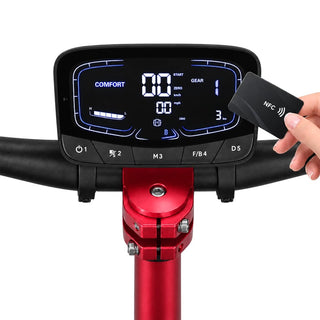
App control, NFC and key ignition are separate features. Some models combine them, but app support does not automatically include NFC or phone unlocking. An electronic lock cannot stop someone carrying the scooter away. Secure it with a physical electric scooter lock when parked.
Software updates on an electric scooter with app
On models that support it, the app can install new software (firmware). Keep the app up to date, charge the battery before an update and don't switch the scooter off while it is running. If something feels wrong after an update, contact customer service before you ride on.
Range, speed and weight
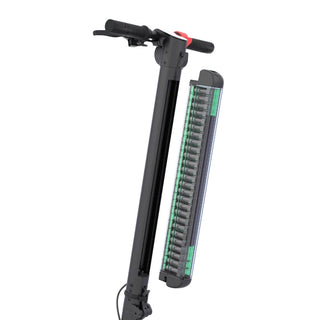
Also consider the stated range, battery capacity, charging time, total weight and maximum load. Compare brakes, suspension and tyres for the surfaces you plan to ride on. An app does not change the scooter's underlying capabilities. Find parts for your model in the spare parts portal.
The app and electric scooter rules in the EU
App settings do not determine whether an electric scooter may be used on public roads. Check the model's classification and current rules in the country where you intend to ride; see Your Europe.
Best electric scooter with app – checklist
Write down the same details for the models you are choosing between:
- Which app is used and which functions it offers for that exact model
- Display, NFC or key, and locking options
- Claimed range, battery capacity and charging time
- Total weight, folded dimensions and maximum load
- Brakes, suspension and tyres
The best-selling models are in our electric scooter top list, and the full range under all electric scooters.
Frequently asked questions
What can you do in the app of an electric scooter with app?
It depends on the model. Common functions are checking battery level and ride statistics, switching riding modes, controlling the lights and locking the scooter, and on some models installing software updates. The product page lists the functions of your exact model.
Do I need the app to ride the electric scooter?
It depends on the model. The app may be needed for initial activation, while subsequent use varies. Check the manual before buying and before your first ride, especially if you want to use the scooter without a phone.
Does an electric scooter with app need updating?
Models that support software updates receive them through the app. Charge the battery first, keep your phone close and don't switch the scooter off during the update. Read what the update changes before you install it.
Does the app lock on an electric scooter with app replace a normal lock?
No. The app lock disables the motor but does not stop anyone lifting or carrying the scooter away. Always use a proper lock when you park, ideally a U-lock or chain lock around the frame.
Which brands make an electric scooter with app?
The collection includes app-compatible models from NAVEE, Ninebot, iScooter, Teverun, Dualtron and other brands. Always check the app name and features for the specific model; one brand may use several different apps.