







Buying guide
Electric scooter stickers – choose the right shape and fit
Personalise your electric scooter with self-adhesive decals. This collection includes reflective stickers for the frame, wheel rim and wheel cover. Choose the intended mounting area first, then compare its shape and dimensions with the product. A brand name or a similar photograph alone does not establish compatibility.
In short
- Placement: choose frame strips, curved rim stickers or a shaped wheel-cover set.
- Fit: check dimensions, model version and the contents of your chosen pack.
- Reflective surface: returns incoming light; decals supplement the scooter's lights and reflectors.
Buying guide: choosing electric scooter stickers
Start with the part you want to decorate. A narrow frame strip and a circular motor-cover decal need different shapes. If a rigid reflector or cover needs replacing, browse reflectors and covers. A sticker does not replace the underlying spare part.
Electric scooter stickers for frame, rim and cover
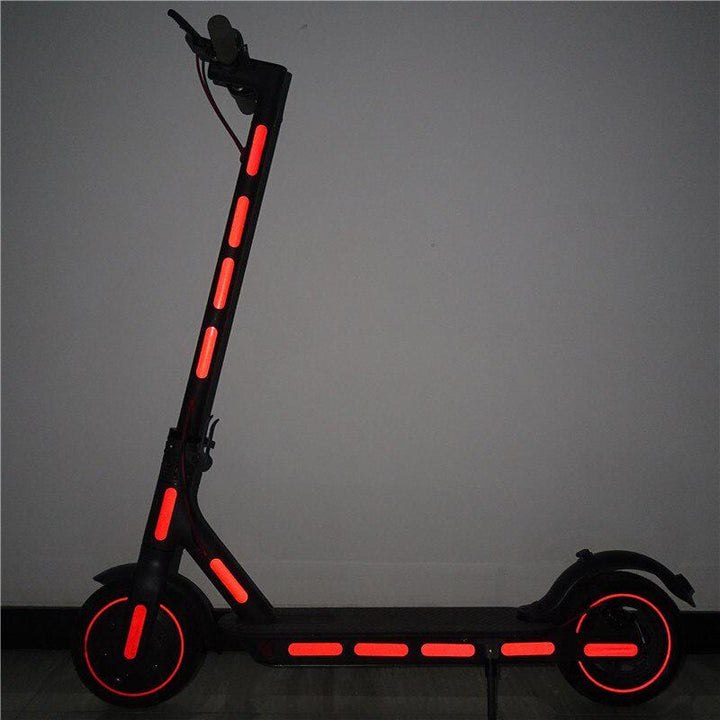
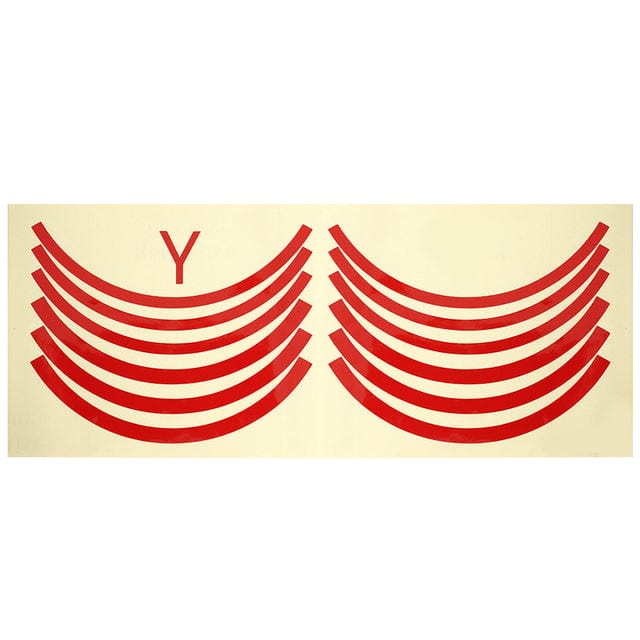
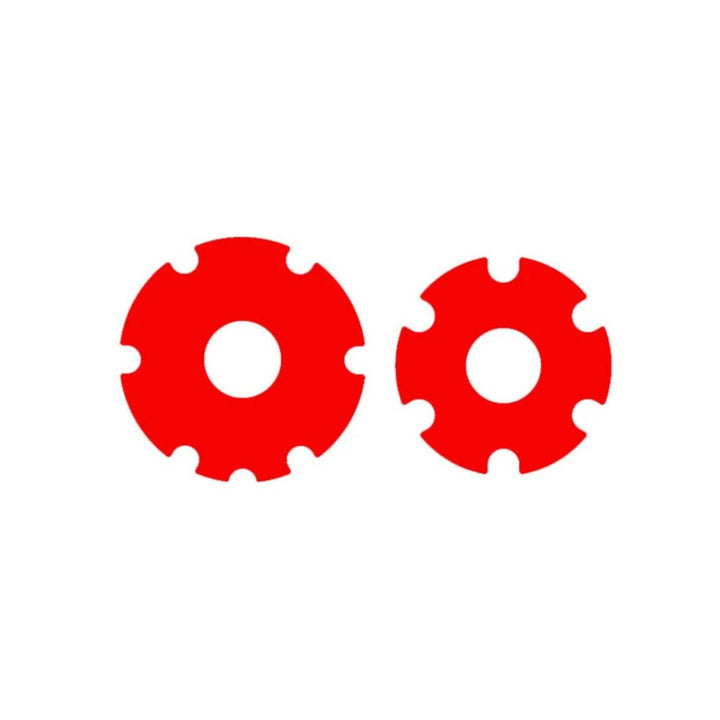
Frame decals are strips applied to a suitable smooth surface. Rim stickers have a curve that needs to match the edge of the rim. Wheel-cover sets are cut for a particular area, so their diameter, outline and openings must align. Compare the product photographs with the actual surface you intend to cover.
Check the selected colour and pack contents before ordering. A pair, a sheet and a set can contain different quantities. A photograph showing several colours does not mean every colour is included.
Checking the fit of electric scooter stickers
Use the exact model and generation, including for Xiaomi and Ninebot scooters. Measure the usable surface and compare its length, width or diameter with the product details. Check screws, edges and cables around the area. Self-adhesive does not mean suitable for every shape or material.
If a key measurement is missing, contact customer service with your model name and a photograph before ordering.
Applying self-adhesive decals
Follow the product's fitting instructions. The surface should be clean, dry and free from grease; use a cleaner suitable for the material. Check the position with the backing paper still attached, then apply and smooth the decal gently. Make sure the edges adhere.
Do not cover lights, existing reflectors, braking surfaces, tyre tread or moving parts. After fitting, check that nothing catches when the wheel rotates or the handlebar turns. Follow any waiting period specified before washing.
Reflective decals and care
A reflective sticker does not generate its own light. Its effect depends on incoming light, the angle and the cleanliness of the surface. Keep the scooter's existing reflectors and lights. Applying a sticker alone does not establish compliance with all equipment requirements.
Wipe away dirt gently and check for loose edges and wear. A wheel-cover decal cannot repair a crack or seal the motor. Browse other accessories for further ways to personalise your vehicle.
Frequently asked questions
Which electric scooter stickers should I choose?
Choose frame strips, curved rim stickers or a shaped wheel-cover set according to the mounting area. Check the dimensions, exact model version and pack contents of the selected product.
Do electric scooter stickers fit every Xiaomi and Ninebot?
No. Do not rely on the brand alone. Check the exact model and generation, as well as the shape and dimensions of the surface. Even a flexible self-adhesive decal needs a suitable mounting area.
How do I apply stickers to an electric scooter?
Follow the fitting instructions, clean and dry the surface, and check the position before removing the backing paper. Do not cover lights, reflectors or moving parts. Check for clearance after fitting.
Can reflective stickers replace lights or reflectors?
No. Reflective stickers return light that falls on them and provide supplementary reflection. They do not light up by themselves or replace the scooter's lights or existing reflectors.